Email hosting platforms
Ease of Use
Here’s a brief summary of what our testers thought about Sendinblue: “Sendinblue’s usability is very intuitive, but the account’s setup process and the first campaign takes a bit of time.”
You have three methods to add contacts: copy-pasting, import email contacts from a file, and adding contacts individually. All of these are quite intuitive to use. However, during this process, Sendinblue’s data mapping function asks you to match the extra information to an email address, which is optional but isn’t stated clearly during the process.
Sendinblue’s email design tool is where they shine the most. You start by creating a campaign and insert some basic information. The layout of the editor is compact and doesn’t utilize many popup windows to obstruct the view. You have three options for creating your email: drag & drop, “Rich Text Editor”, and custom HTML code. All of these options are smooth and user-friendly. You can also preview your created email with desktop, tablet, and mobile views.
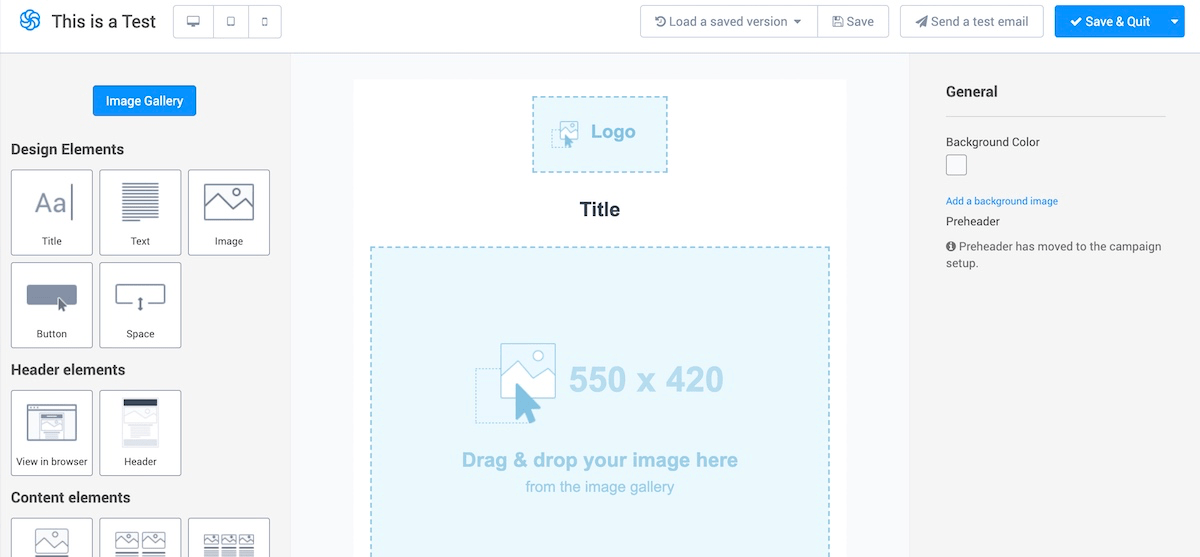
Before you can send your email to your contacts, you go through a summary page that showcases the setup, design, and contact information. This is a great feature to double-check if everything is correct before you hit that Send button.
Features
Sendinblue’s email marketing tools are packing modern features. These features enable you to take advantage of the latest trends in email marketing. Although some of the more advanced features are locked behind higher-tier plans, the free plan’s base features offer enough to get started with your email campaigns.
The main features that we want to emphasize are an unlimited number of contacts and details, intuitive drag & drop based design tool, email personalization, mobile-friendliness, customer segmentation options, and custom email automation rules. You also get a fully-functional sales CRM, a live chat plugin, and access to modify Facebook ads directly in Sendinblue’s campaign management tool.
Sendinblue’s customer support is accessible over the email by default. You can also reach them through phone and live chat, but only starting from the Premium plan. They do have an extensive knowledge base with useful articles you can browse for information.
Good I'm happy with that emil
ReplyDeleteI'm very interesting to learning emil because email is fast service.
ReplyDelete